Their phone holds the pass. You hold the relationship.
A pass in Apple Wallet or Google Wallet shows one card: a name, a code and a balance. Your branded wallet holds everything else you do, and it puts the card in their phone's wallet too.
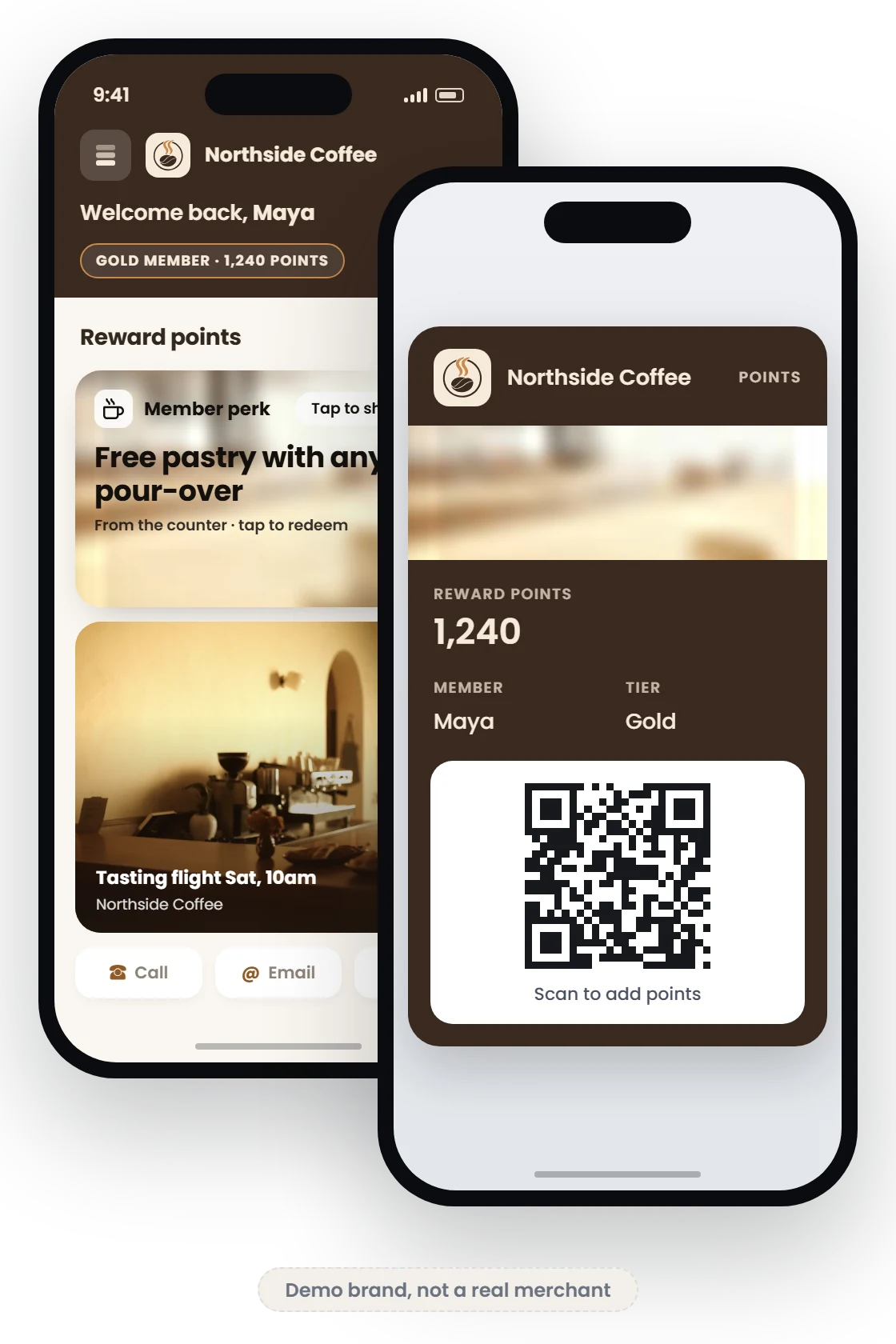
The pass in front, the branded wallet it came from behind it.
One pass each, and the wallet it came from.
The rewards in your branded wallet can also be saved as passes in Apple Wallet or Google Wallet. Here is what that looks like.
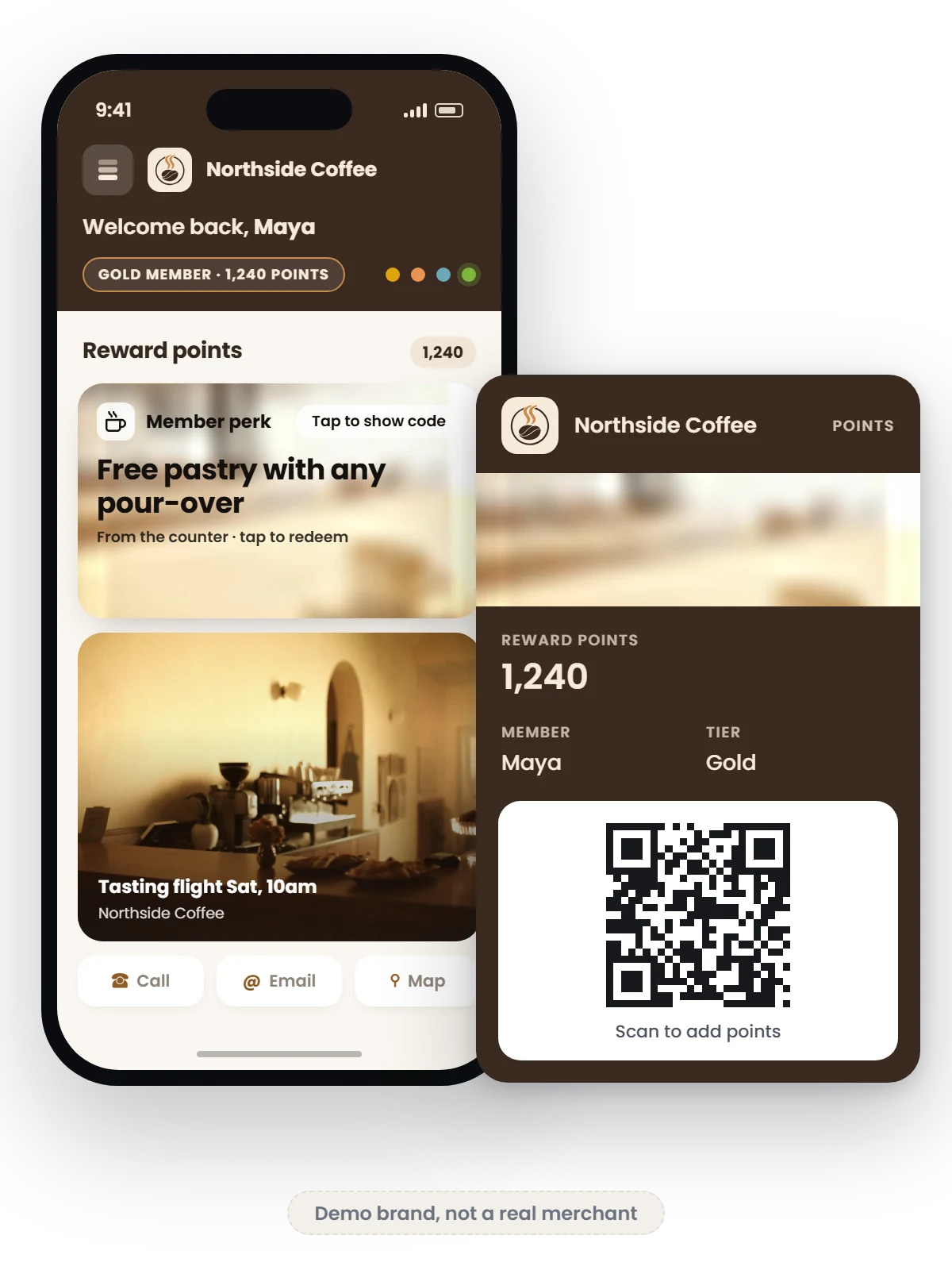
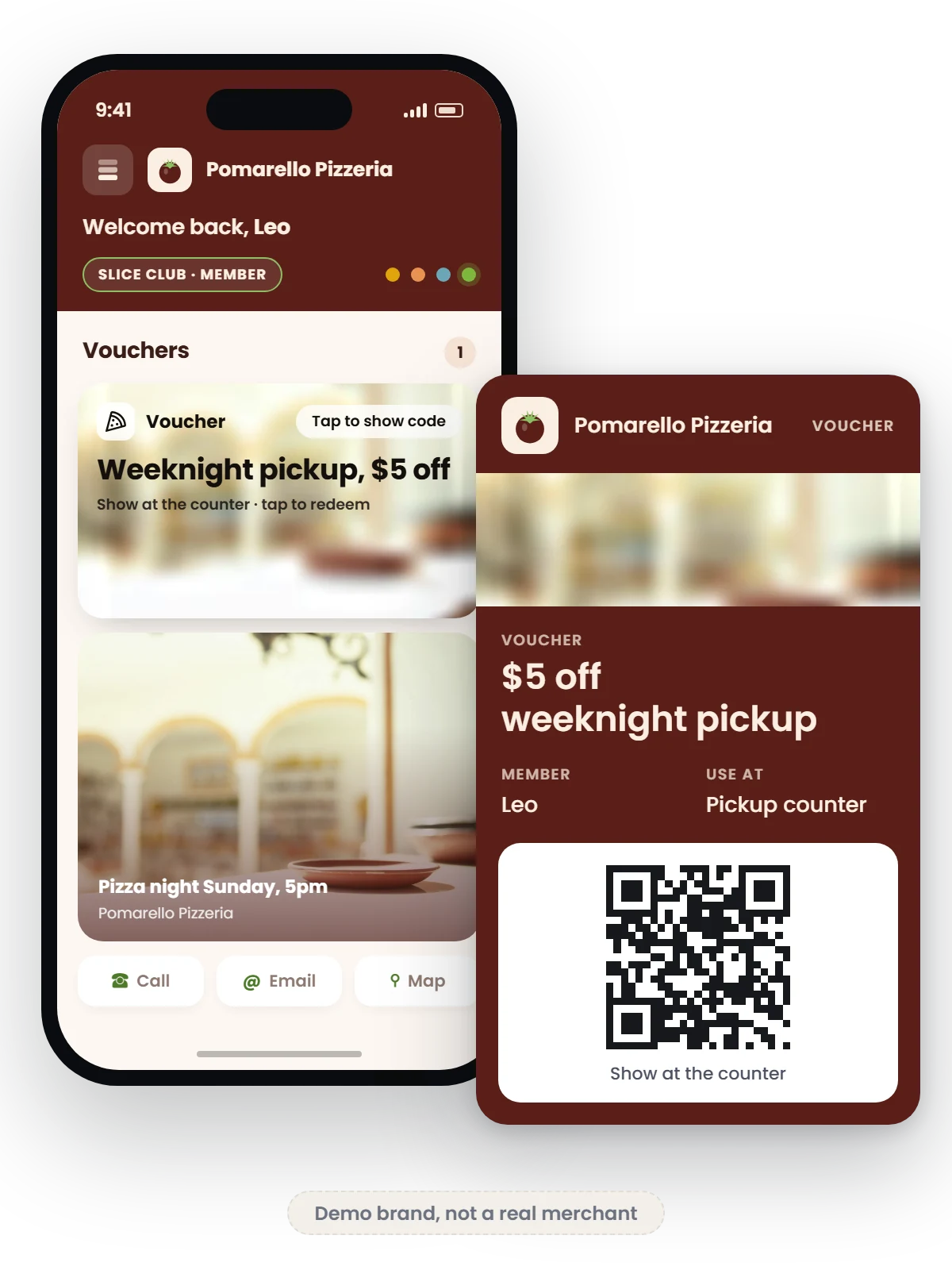
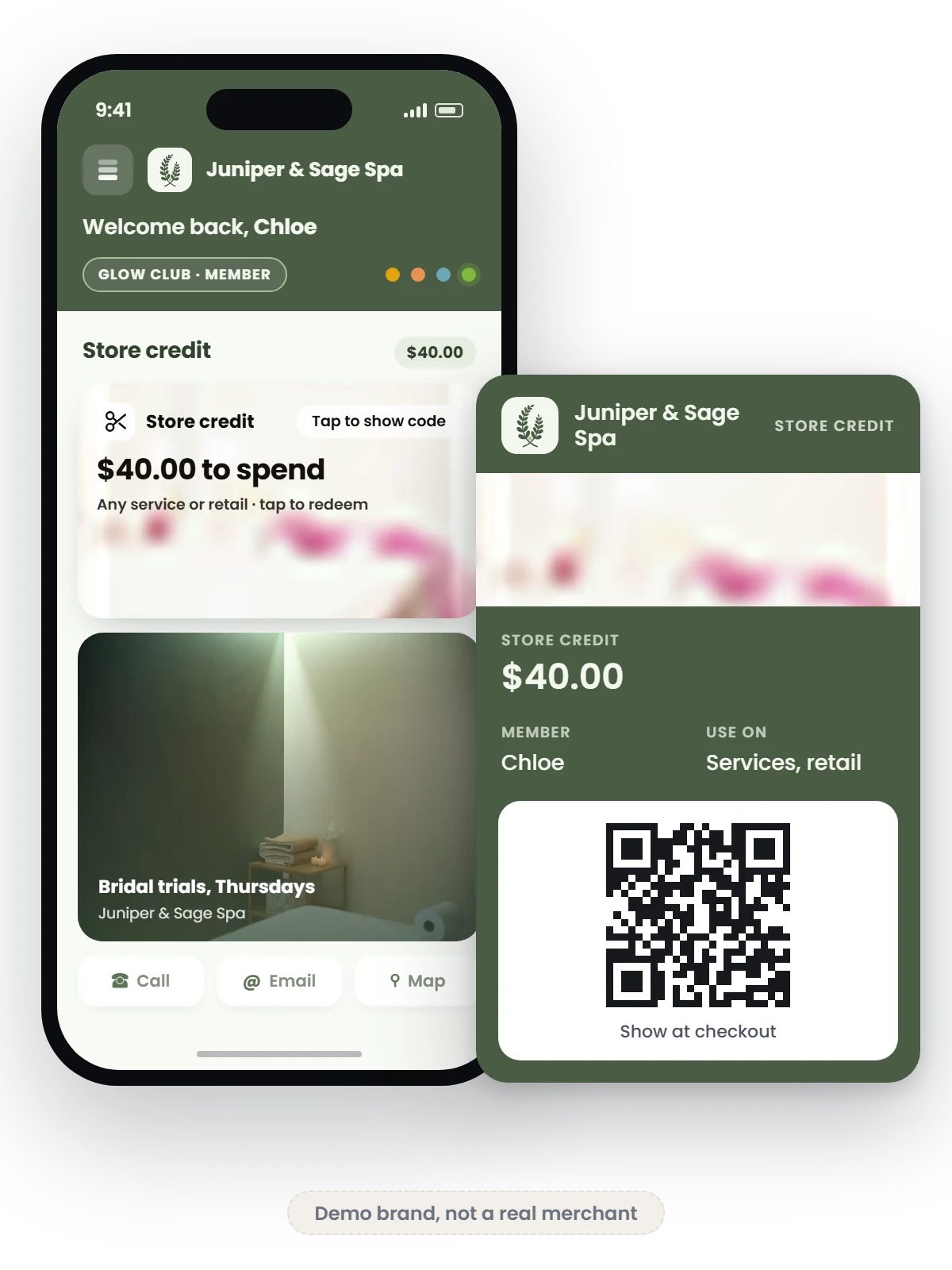
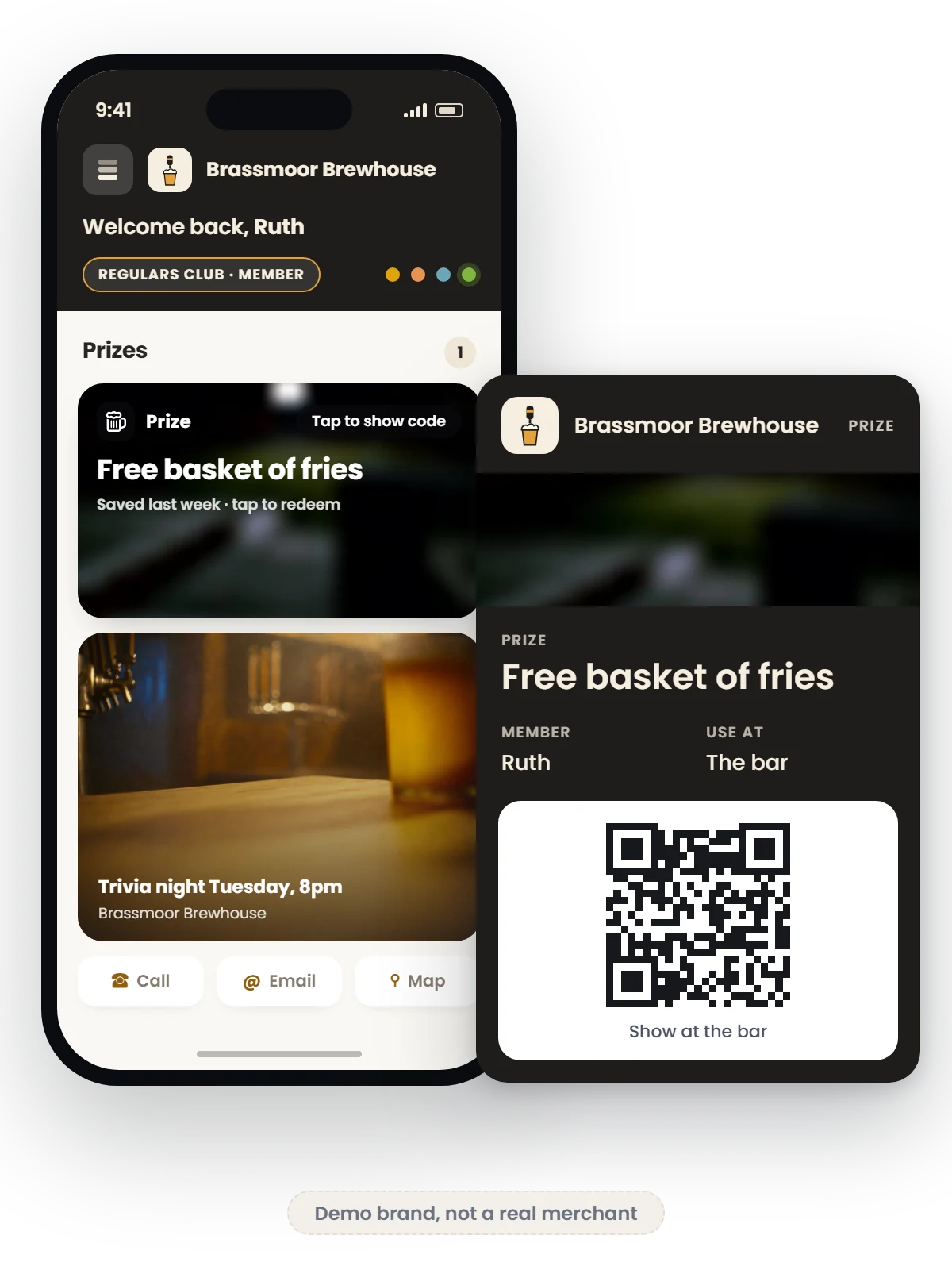
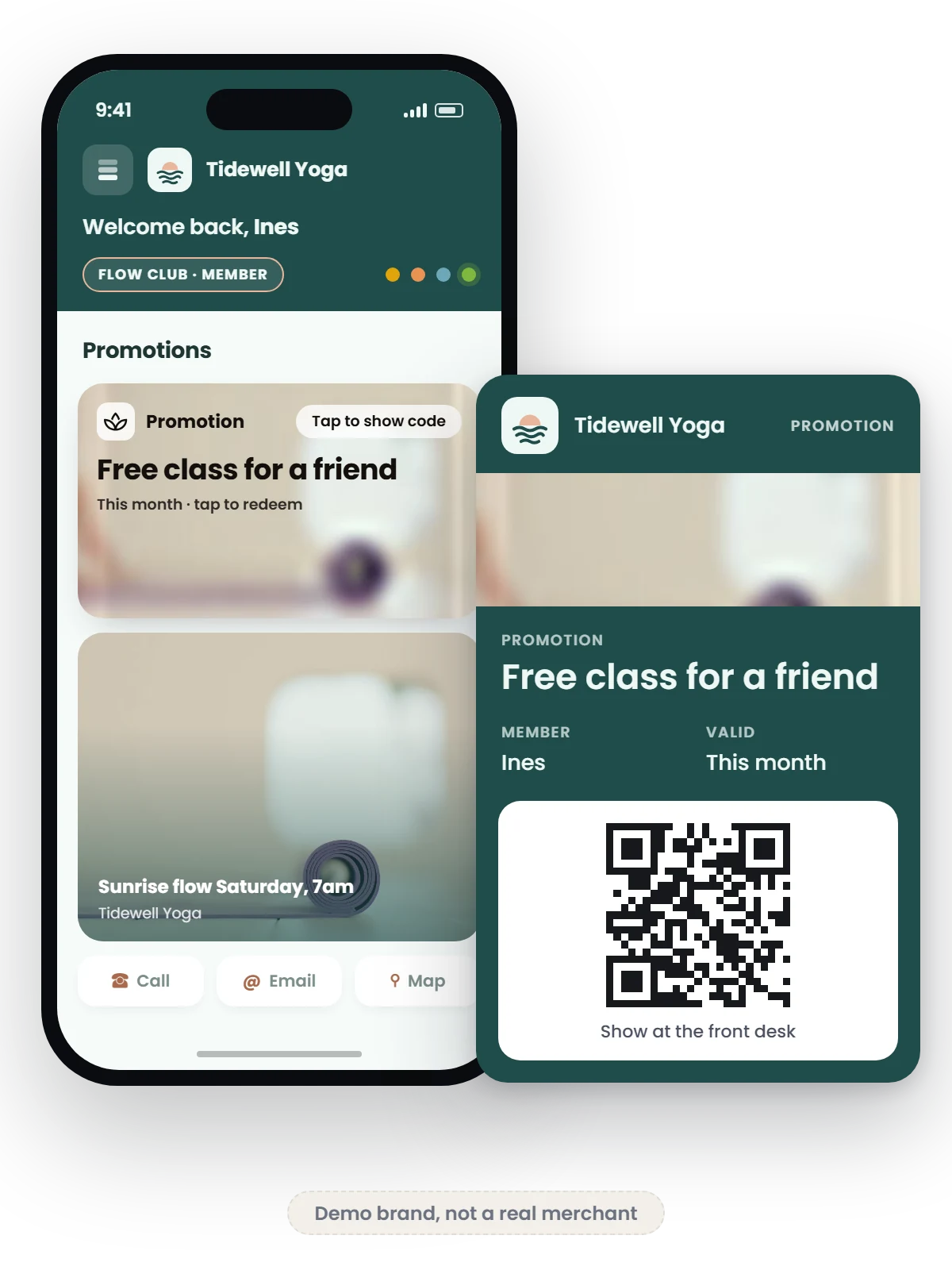
Every business here is fictional. The passes are illustrations of the pass shape, not screenshots of Apple's or Google's apps.
What a pass is good at.
Apple Wallet and Google Wallet are already on your customers' phones, and a pass does a few things very well. That is why your branded wallet issues one.
It is already there
The wallet app comes with the phone, so saving a pass needs no app download.
It is easy to find
The pass sits in the same place as their boarding passes and bank cards.
It shows a code
A barcode or QR code to scan at the counter, ready when they need it.
It shows a balance
Points, credit or a gift card balance, on the front of the card.
What it cannot do is hold the rest of your business. A pass is a card. It has no room for a video, a menu, a gallery, a prize or a way to buy something.
What your customer can do with each.
Grouped by the four stages of a customer's life with you: a visitor, a subscriber, a customer and a member.
Swipe the table sideways to see every column
| What your customer can doYour customer can | Pass-only wallet Apple Wallet, Google WalletPass only |
Your branded walletBranded wallet |
|---|---|---|
| Visitor: find you and remember you | ||
| Keep a card on their phone with no app download | Yes | Yes |
| Watch your videos | No | Yes on higher plans |
| Browse your gallery | No | Yes |
| Visit your own web address | No | Yes on higher plans |
| Open your icon from their home screen | No | Yes |
| Save your contact details | No | Yes |
| Share a page with a friend | No | Yes |
| Subscriber: hear from you | ||
| Read your news | No | Yes |
| Add your event to their calendar | No | Yes |
| Join your text list | No | Yes |
| Text with you | No | Yes once your number is approved |
| Customer: buy from you | ||
| Browse your products and services | No | Yes |
| Buy something | No | Yes Beta |
| Member: come back for more | ||
| Show a code to redeem at your counter | Yes | Yes |
| See a points or credit balance | Yes | Yes |
| See every reward from you in one place | No | Yes |
| Browse your membership tiers | No | Yes |
| And the card holder too | ||
| Keep a card in Apple Wallet or Google Wallet | Yes | Yes your branded wallet issues it |
Texting starts once your number is approved by the carriers. Some features depend on your plan, and passes come with paid plans.
No. Your branded wallet issues the pass.
This is not one or the other. Your branded wallet is where your business lives on their phone, and its rewards can also be saved to Apple Wallet or Google Wallet with a tap.
They open your branded wallet.
From a QR code at the counter, a link or a text. No app to download and no password to make.
They get a reward.
Points, a voucher, store credit, a prize or a promotion. It lands in your branded wallet first.
They save the pass.
One tap adds it to Apple Wallet or Google Wallet, so the card is in both places. Everything else stays in yours.
Apple Wallet for business
To put your business's card in Apple Wallet, a business needs a pass that is signed, issued and kept up to date. Doing that yourself means an Apple developer account, a pass designer and a way to send the pass to each customer.
Your branded wallet does that part for you. Each reward it issues can be saved as an Apple Wallet pass with your business name on it, with nothing for you to build.
Google Wallet for business
Google Wallet works the same way on Android phones: a business issues a pass and the customer saves it. Doing that yourself means a Google Wallet issuer account and a pass for each customer.
Your branded wallet issues the Google Wallet pass as well, from the same reward. One setup covers both phones.
Start your branded wallet on the free plan. Add passes when you add rewards.
Your branded wallet is free to create. The rewards that become Apple Wallet and Google Wallet passes are on paid plans, and you add one when you're ready.